
Download the belairdirect app
With the belairdirect app, you have the power to access your insurance documents, make a payment, and much more. 24/7!

- Submit and track an insurance claim directly through the app.
- Consult your insurance documents right from the app, 24/7.
- Make changes to your policy.
- Access your billing history and information.
- Contact belairdirect’s Roadside Assistance service or towing services.
And much more!
Follow these steps to install the app on your smartphone:
- iOS
- Android
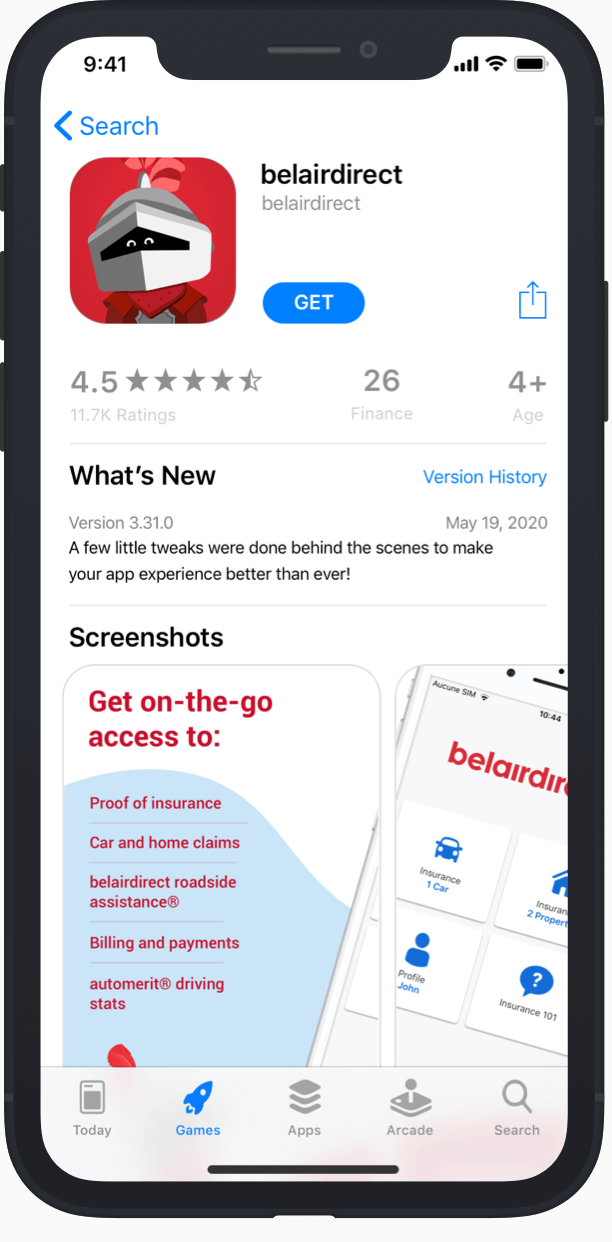
1. On your phone, open your app store (the App Store for iOS or Google Play for Android). Search for the belairdirect app and tap download. The app is free!
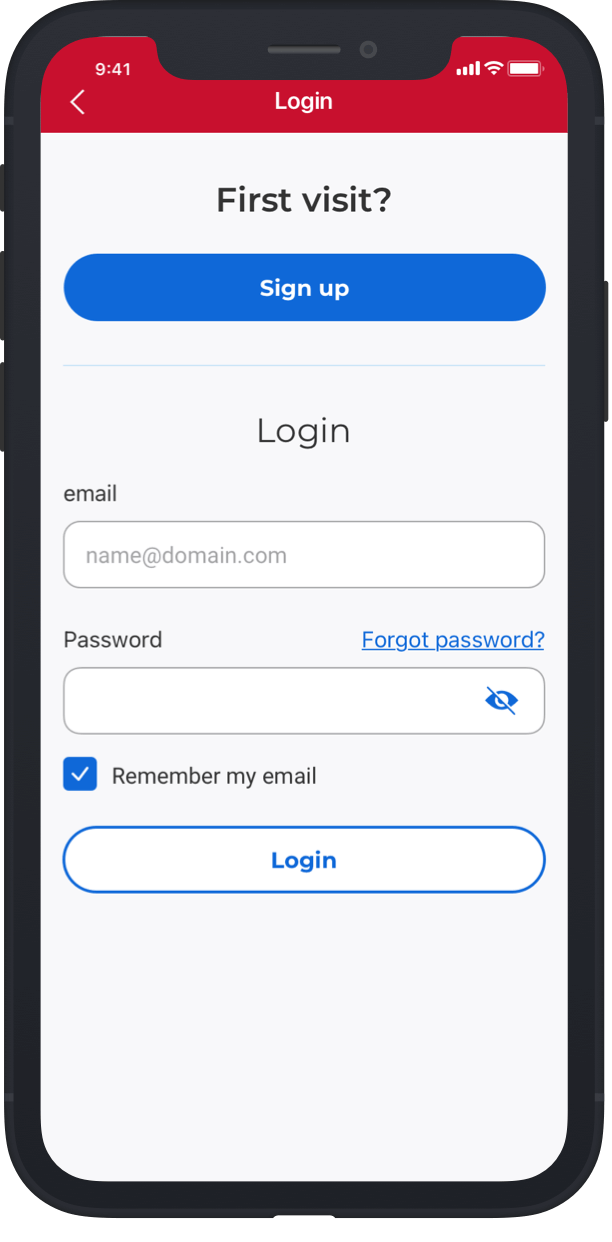
2. Download the app and sign up. All you need is your policy number and personal information to get started.
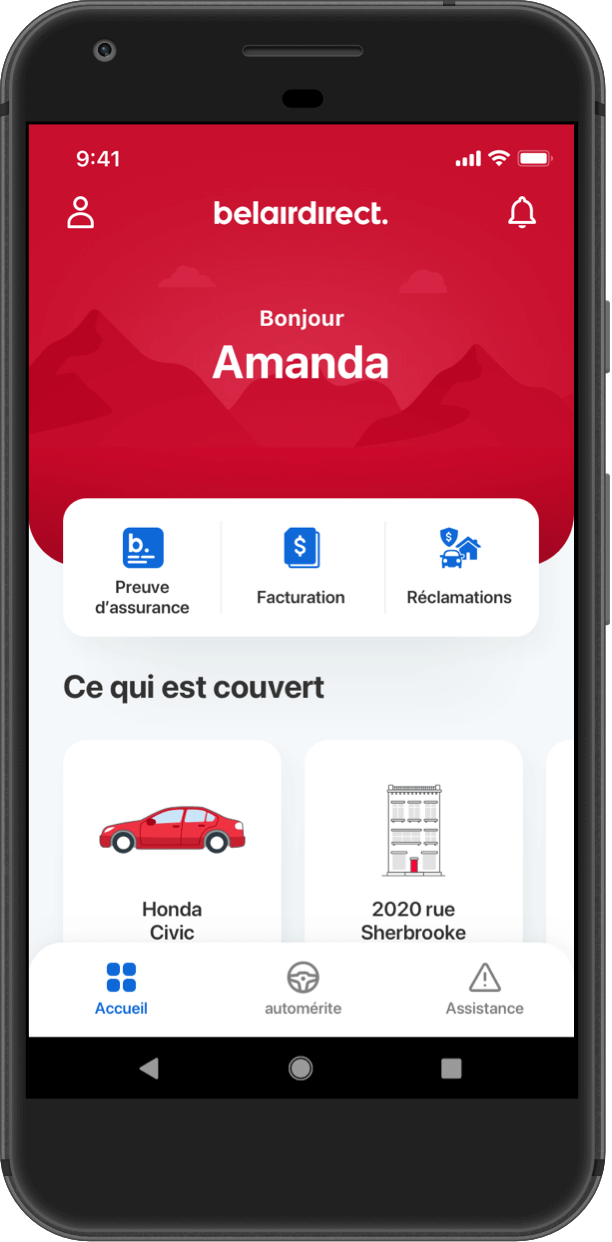
3. You’re now free to use the belairdirect app and manage your insurance right from the palm of your hand.
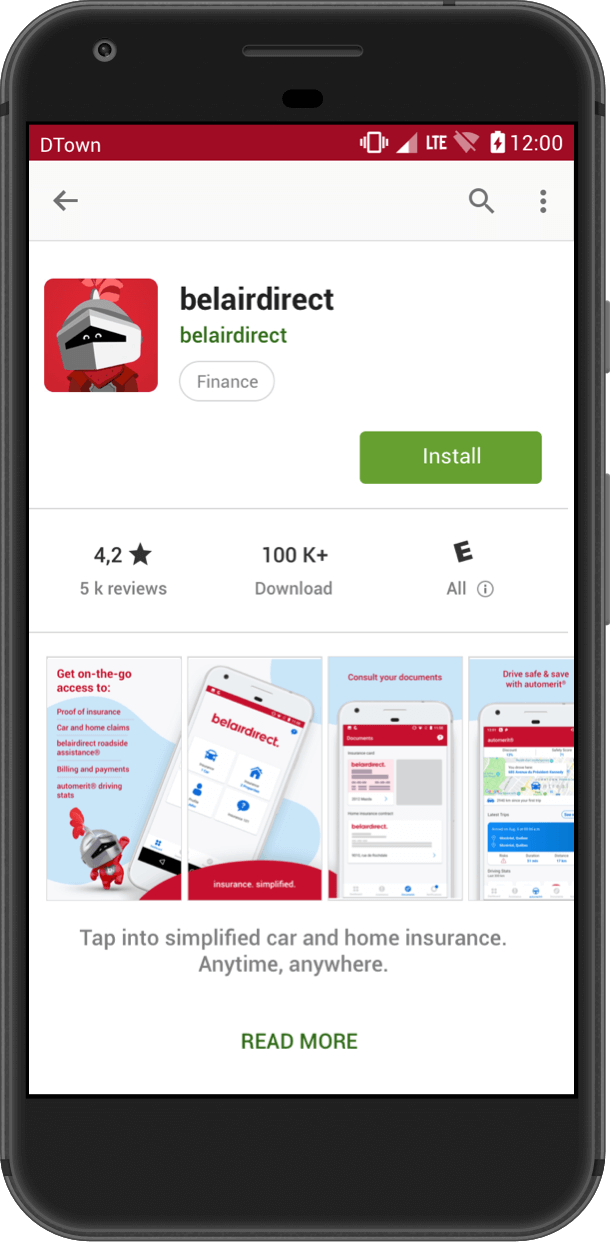
1. On your phone, open your app store (the App Store for iOS or Google Play for Android). Search for the belairdirect app and tap download. The app is free!
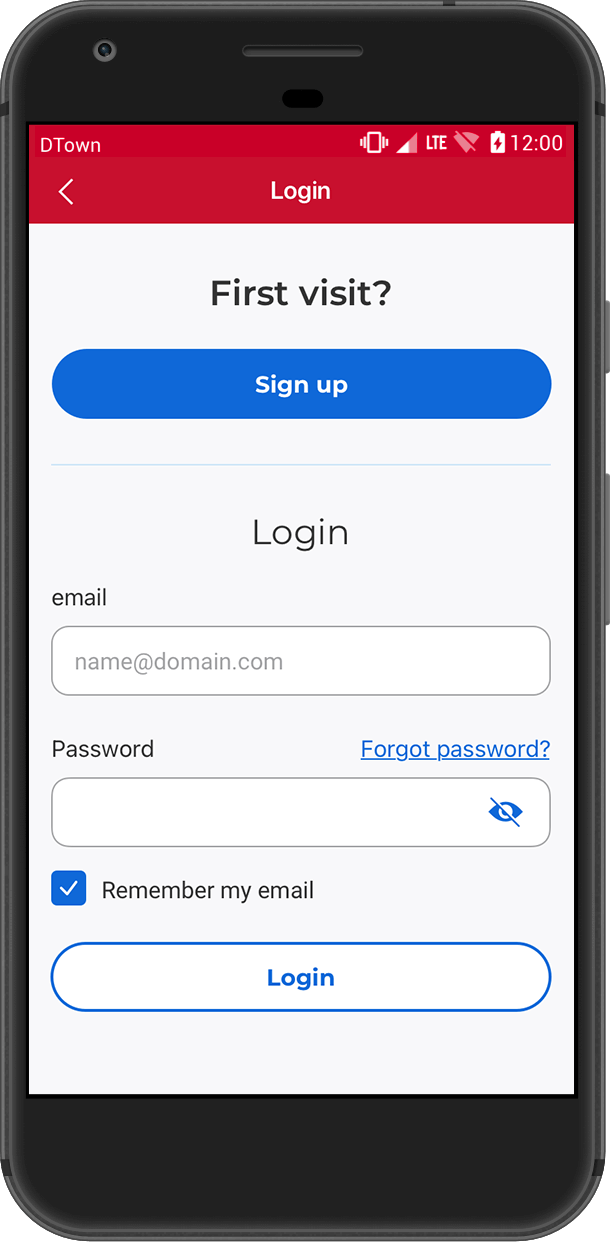
2. Download the app and sign up. All you need is your policy number and personal information to get started.
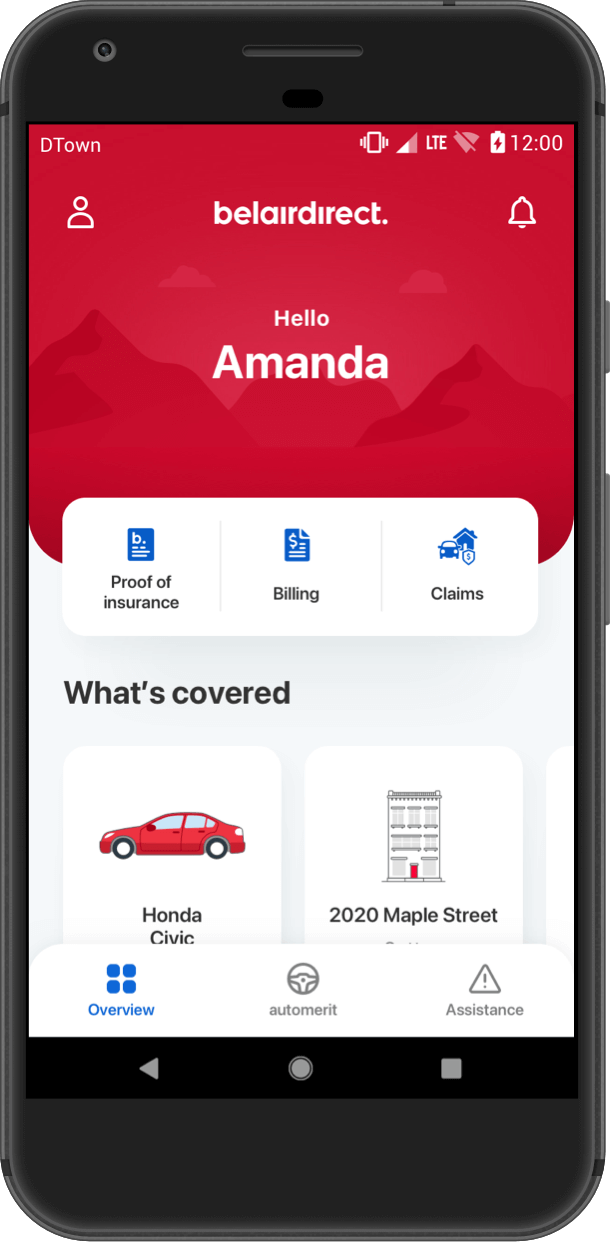
3. You’re now free to use the belairdirect app and manage your insurance right from the palm of your hand.