Activate automerit® in the belairdirect app
Make the most of the belairdirect app by activating your personalized car insurance premium and free perks.
You can activate automerit® right in the belairdirect app, it’s quick and easy.
Make the most of the belairdirect app by activating your personalized car insurance premium and free perks.
You can activate automerit® right in the belairdirect app, it’s quick and easy.
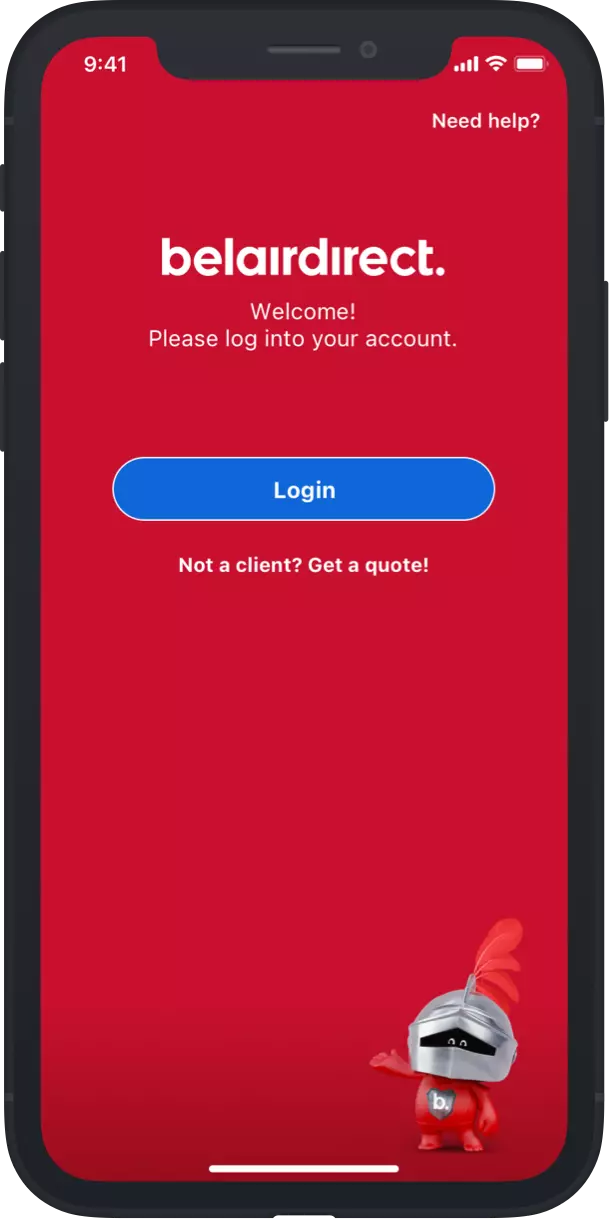
1. Open the belairdirect app and log into your account.
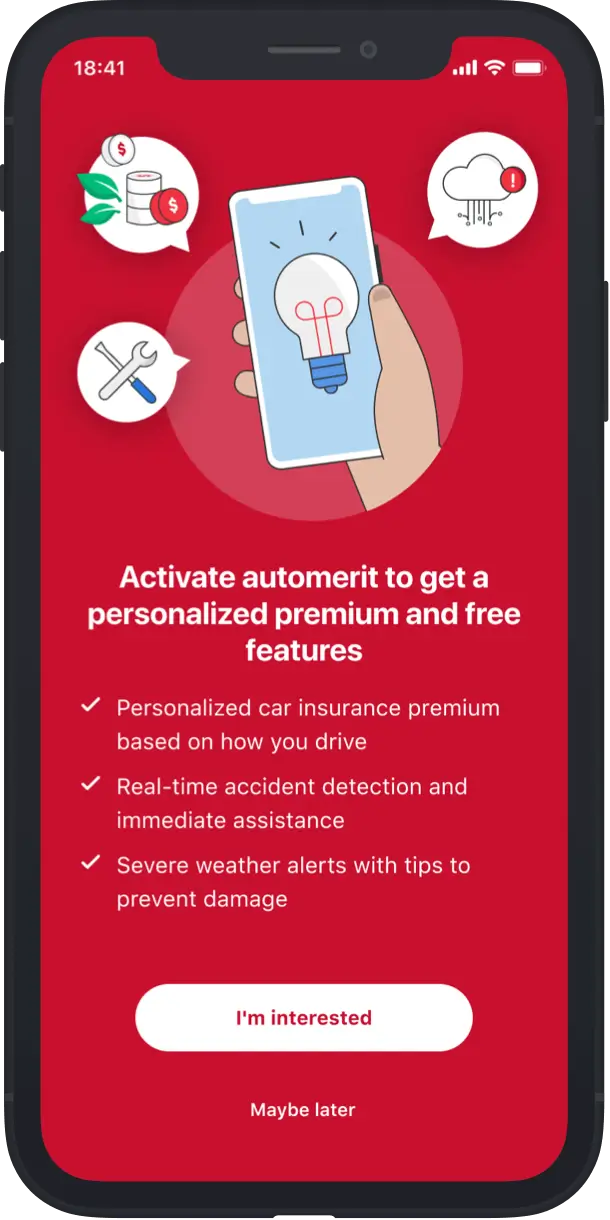
2. To activate your personalized premium and access the additional free perks, tap “I’m interested”.
You can activate the additional features at any time from the dashboard.
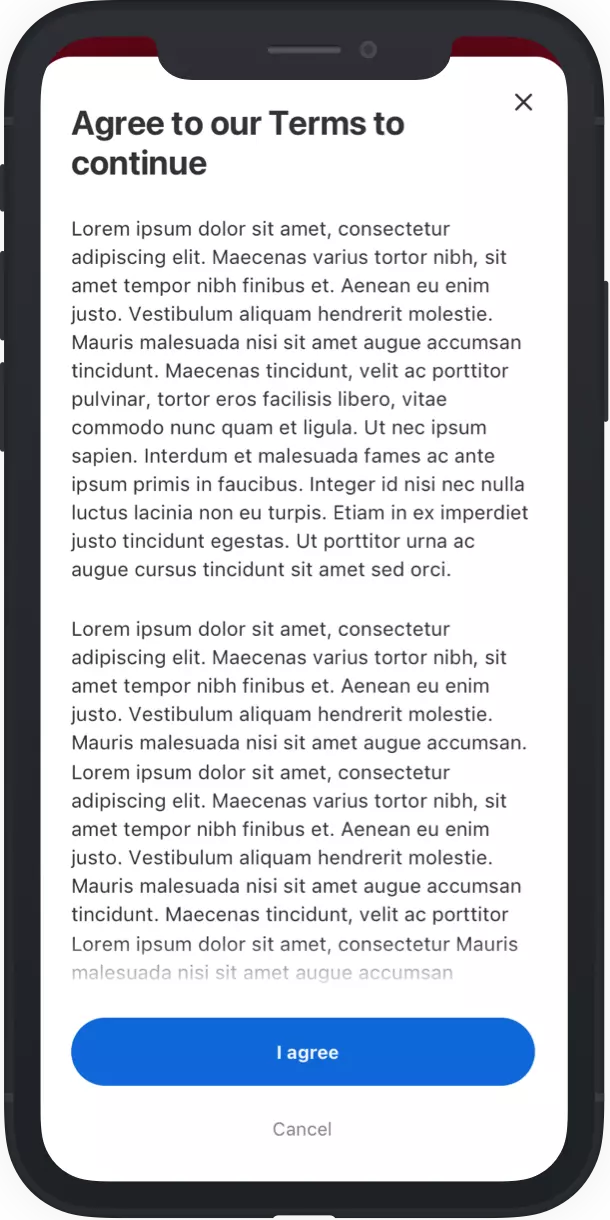
3. Agree to the Terms of Use at the bottom of the screen and tap “I agree”.
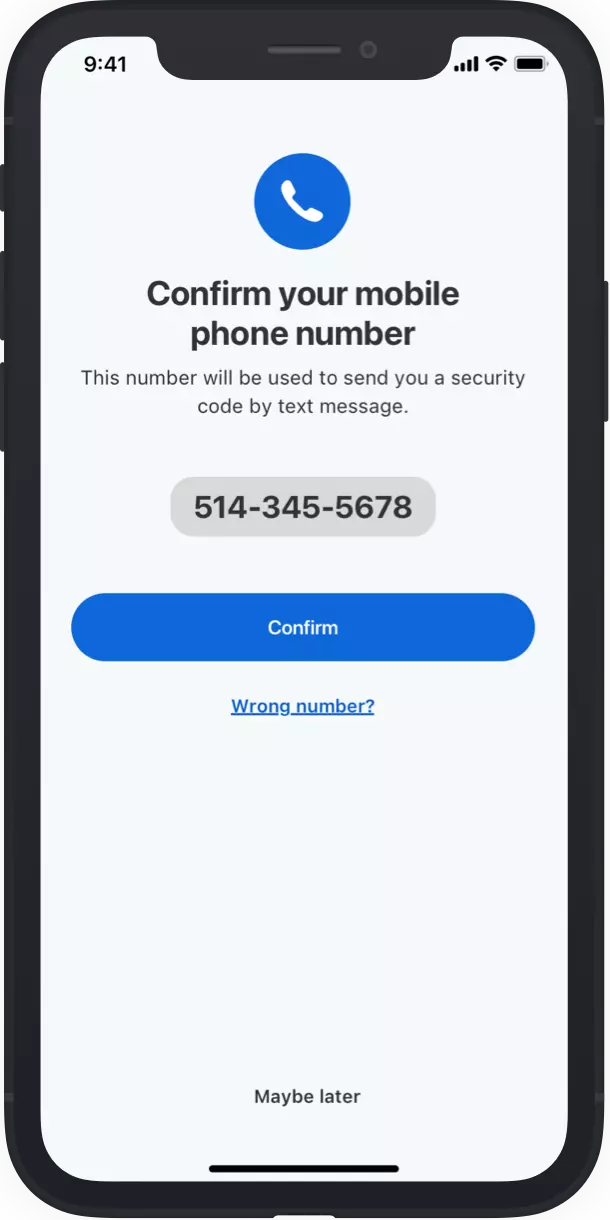
4. Confirm your phone number. If we don’t have the correct phone number, tap “Wrong number?”
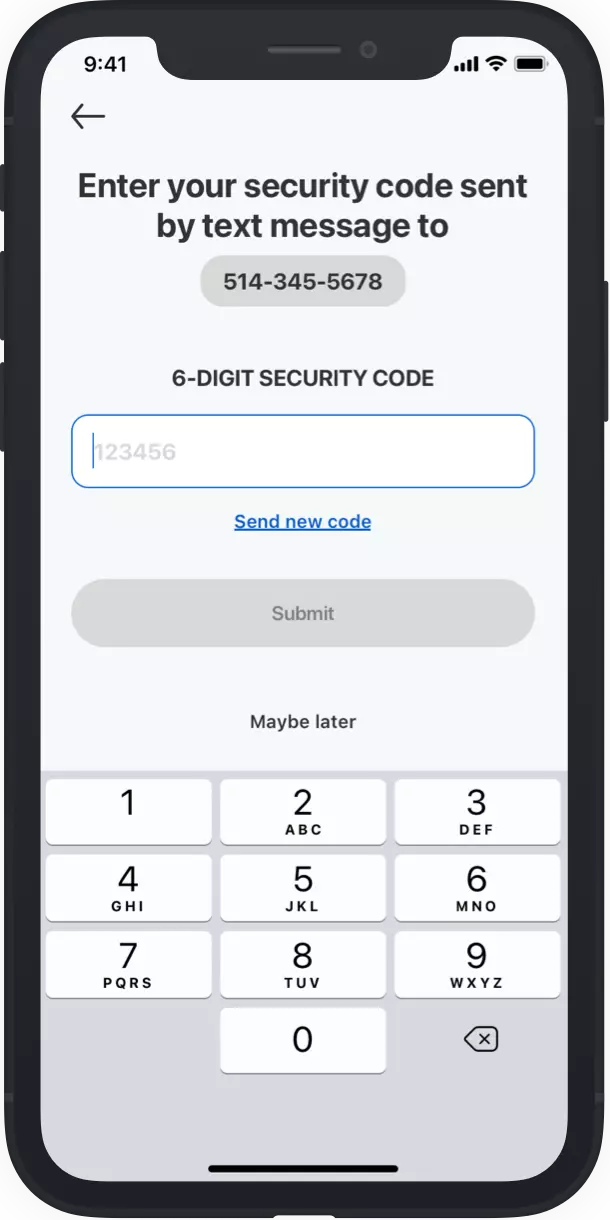
5. You will receive a 6-digit security code via text message. Enter the code and tap “Submit”.
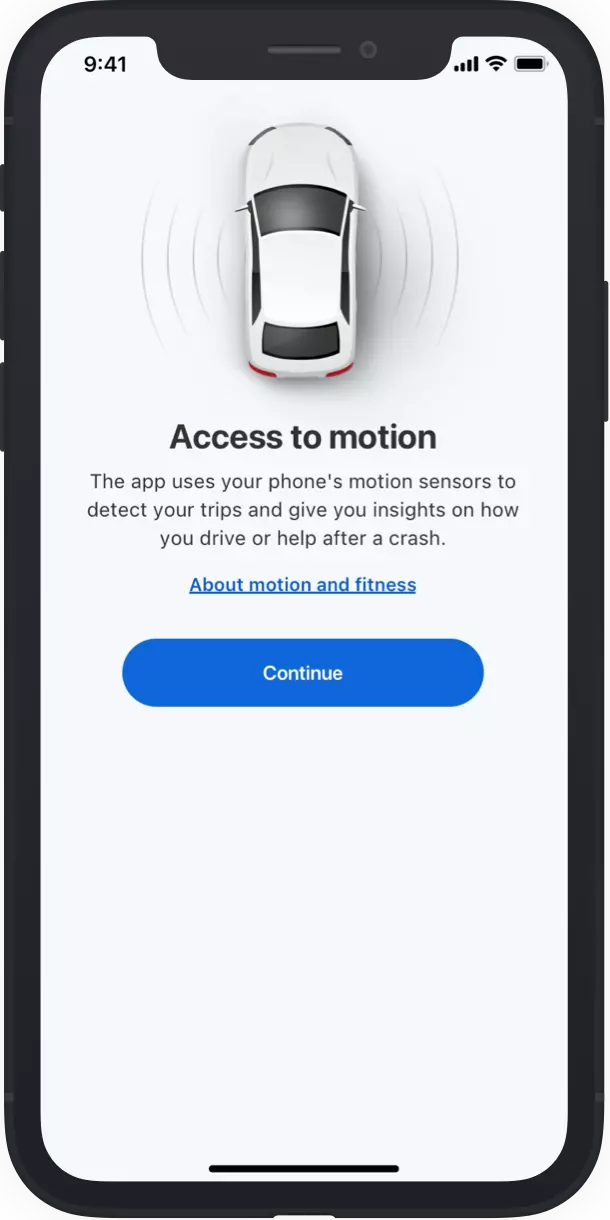
6. You will need to give the app access to your motion data and your location data for it to correctly assess your driving habits in real time. Give the app permission to access the data by tapping “Continue”. You will need to set the location permission to Always.
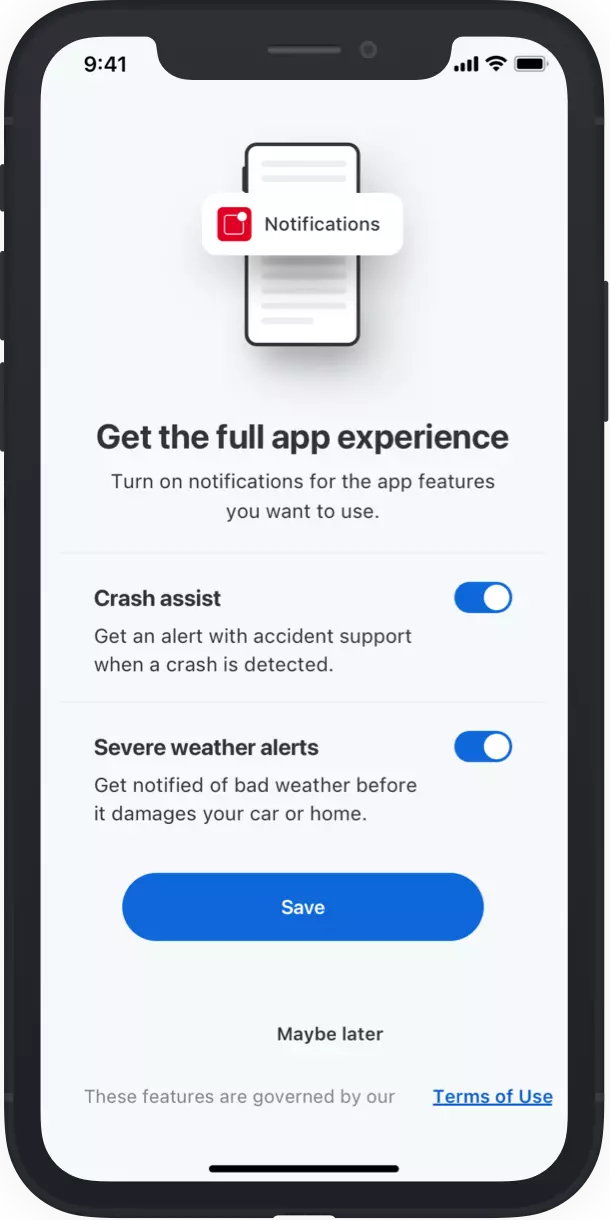
7. Select whether you’d like to receive notifications for Crash Assist and Severe weather alerts. Tap “Save” to proceed.
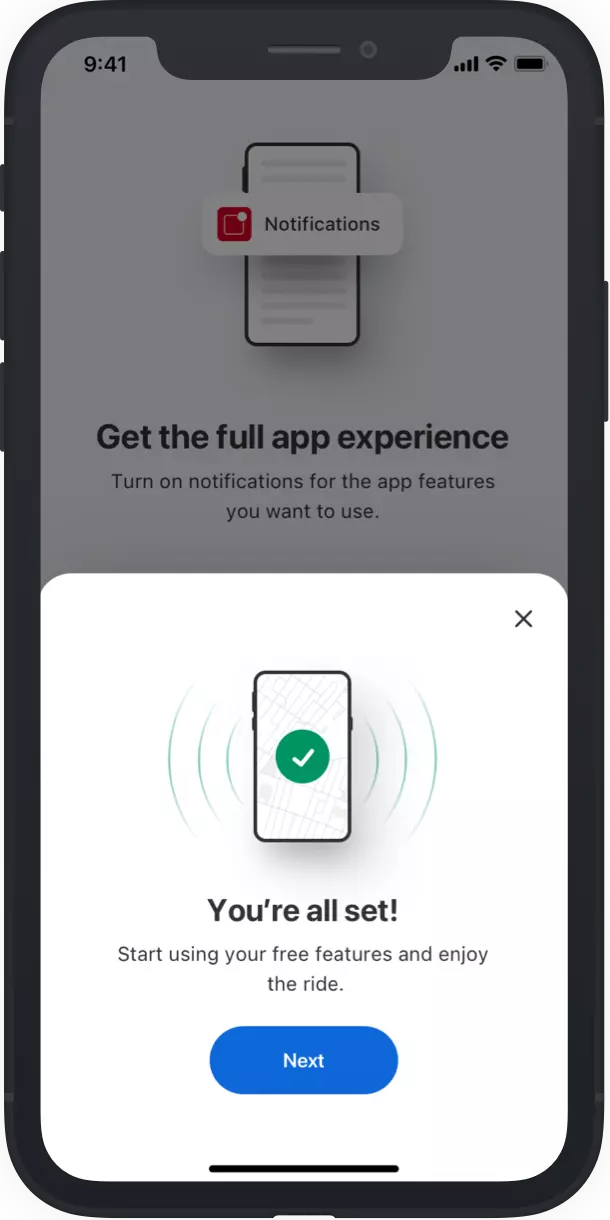
8. You’re all set! Enjoy the perks of the belairdirect app as of now and a personalized car insurance premium at renewal.

Still have questions about activating automerit®? We’re here to help.
automerit® gives you control over how much you pay for car insurance based on how safe you drive and how many trips you make. Available through the belairdirect app, automerit® assesses your driving habits using your phone's GPS and motion sensors to offer you a personalized premium at renewal (the “Adjustment”). Good driving habits could help you save on your car insurance by up to 25%, whereas drivers who take risks on the road could see their premium increase by up to 25% upon each renewal.
Even if you're not the policyholder of the car insurance policy, any or all principal drivers on the policy can still enroll in automerit® with the policyholder’s authorization. Adjustments to the premium of each car on your policy will be based on the driving habits of the Enrolled Driver(s). If you or another Enrolled Driver unenrolls or is removed from automerit®, we'll still use the previously saved driving data to adjust your premium.
You will need an iPhone running iOS 14 or higher or an Android device running version 8.0 or higher. As the sensors react differently on different types of phones, the performance of automerit® could vary depending on the model you own.
Log out and log back in if you already have the belairdirect app and can't access automerit®. If you still can't access it, try uninstalling and reinstalling the belairdirect app or call us. A customer service team member will walk you through activating automerit®.